Discover how agencies scale with dedicated RDPs. Boost speed, automation, and AI workflows with secure remote desktops.
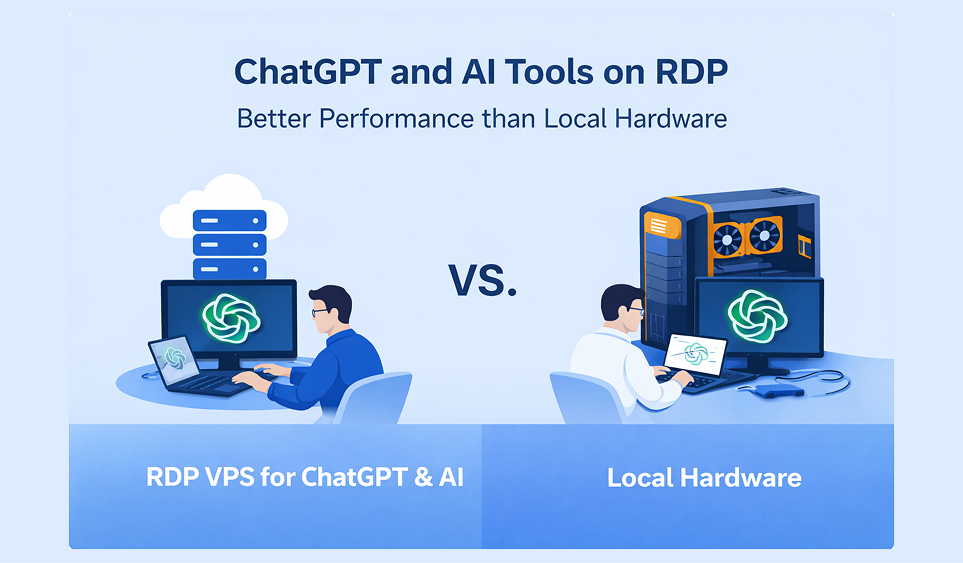
Agencies today are under massive pressure. Clients want faster delivery. Automation is becoming mandatory. AI workloads are exploding. And local machines? They simply can't keep up.
This is exactly why more teams are switching to dedicated RDP environments to scale their operations without buying expensive hardware. Whether you're running social media automation, AI image generation, or large scraping pipelines, a properly configured remote desktop can dramatically increase your output while reducing operational headaches.
In this guide, we'll break down how agencies use dedicated RDPs to scale their work, with real examples, specs guidance, and expert tips.
A dedicated RDP (Remote Desktop Protocol) is a private remote server that gives a single user or team full access to dedicated CPU, RAM, storage, and optionally GPU resources. Unlike shared RDP, performance is stable, secure, and scalable—making it ideal for agencies running automation, AI, and high-volume workflows.
Modern agencies face three major bottlenecks:
Dedicated RDP solves these problems by providing:
Instead of managing multiple physical machines, agencies can centralize operations in the cloud.
If you want a ready-to-use GPU RDP for Stable Diffusion or automation, PCRDP is a simple place to start.
🚀 1. Consistent Performance — Because resources are not shared: no noisy neighbors, predictable speed, better uptime. This is critical for automation and AI pipelines.
🔒 2. Better Account Safety — Dedicated IP environments help reduce platform flags, suspicious login triggers, and mass account bans. Especially important for social media and scraping teams.
⚡ 3. GPU Acceleration for AI Workloads — With GPU RDP setups (RTX, CUDA-enabled): faster Stable Diffusion renders, smooth ComfyUI workflows, better AUTOMATIC1111 performance. VRAM plays a major role here.
🌍 4. 24/7 Always-On Operations — Agencies can run bots overnight, schedule automations, and process AI jobs continuously. Your local PC can finally rest.
Let's look at how different agency types actually use dedicated RDP.
Common workflows: Multi-account management, scheduling tools, engagement automation, profile warming.
Why dedicated RDP helps: Stable IP per account cluster, reduced device fingerprint issues, remote team collaboration.
Typical setup: Windows RDP, 8–16 GB RAM, clean residential or datacenter IP. Many agencies run tools like browser automation stacks or social schedulers inside their RDP environment.
These teams live and breathe automation. Typical tasks: Selenium/Puppeteer bots, workflow automation, lead generation bots, form automation.
Why they need dedicated RDP: Bots must run 24/7, need stable environment, avoid local machine dependency.
Recommended specs: 4–8 CPU cores, 16+ GB RAM, SSD storage, Windows or Linux depending on stack.
Scraping at scale requires serious infrastructure. Common needs: Rotating sessions, headless browsers, large data pipelines, proxy integration.
Dedicated RDP advantages: Better session persistence, long-running scraping jobs, easier proxy management, reduced local bandwidth usage.
Important: Always follow target website terms and legal guidelines when scraping.
This is the fastest-growing segment. Teams using: Stable Diffusion, ComfyUI, AUTOMATIC1111, video upscalers, AI image pipelines.
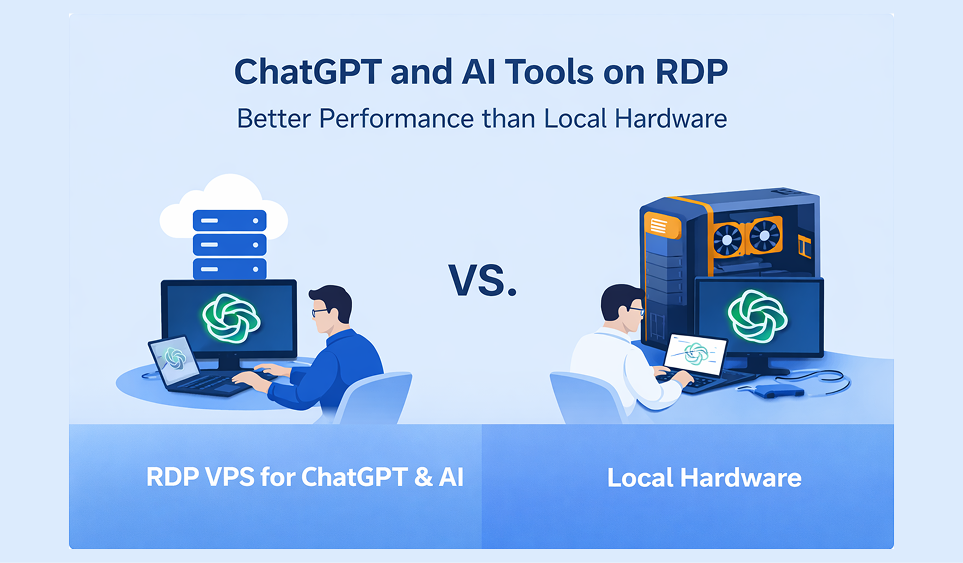
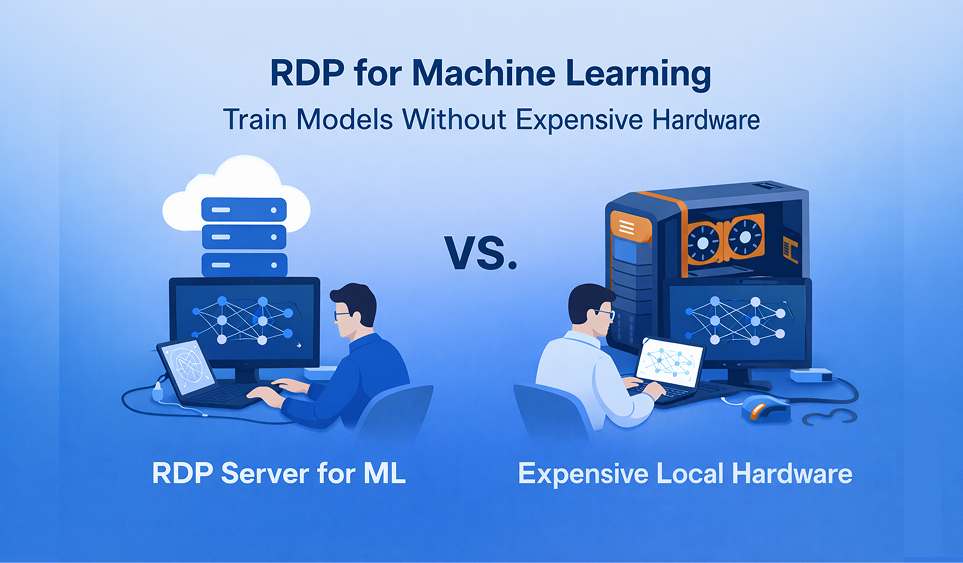
Why GPU RDP is critical: Local GPUs are expensive and limited. With a proper GPU RDP you can generate images remotely, scale rendering queues, support team collaboration, and run batch jobs overnight.
Many teams start with a cloud GPU from PCRDP to avoid hardware investment.
Many teams start with a cloud GPU from PCRDP to avoid hardware investment. Comparison (in points):
Bottom line: Agencies that care about stability should avoid shared environments.
For Social Media Automation: CPU 4 cores | RAM 8–16 GB | Storage SSD | OS Windows.
For Heavy Automation: CPU 6–8 cores | RAM 16–32 GB | Storage NVMe preferred.
For AI Image Generation: GPU RTX series | VRAM 12 GB minimum | CUDA support required | RAM 16–32 GB.
Always check the latest specs/prices on provider pages.
Agencies often overlook this — big mistake. Must-do security steps:
Security builds client trust and protects accounts.
Perfect for: Social media agencies, AI image creators, Stable Diffusion users, automation teams, scraping professionals, freelancers scaling operations.
Not ideal for: Casual users, very small workloads, one-off tasks.
As agency workloads grow more complex, relying on local machines is no longer sustainable. A properly configured dedicated RDP gives your team the speed, uptime, and scalability needed to handle modern automation, scraping, and AI pipelines.
If you're planning to scale operations without buying expensive hardware, a dedicated remote environment is one of the smartest infrastructure moves you can make.
If you want a reliable, ready-to-deploy GPU or dedicated RDP, PCRDP offers options designed for agencies and AI users.
Related articles: GPU RDP for Stable Diffusion | dedicated RDP plans | Dedicated RDP vs VPS vs Dedicated Server